A desk can look clear at 9:00 a.m. and collect coffee rings, crumbs, fingerprints, and paperwork by lunch. In a shared workspace, that buildup moves quickly from one person to the next. Clean shared office desks are not about making an office look picture-perfect. They are about giving employees, visitors, and clients a space that feels cared for, professional, and ready for work.
For office managers, the challenge is usually not knowing that desks need cleaning. It is creating a routine that actually happens without asking employees to become part-time cleaners. The right approach balances daily habits, clear responsibilities, and professional support for the deeper work.
Why clean shared office desks matter
Hot desks, training tables, reception counters, and shared workstations get more contact than most surfaces in an office. Hands touch keyboards, chair arms, drawer pulls, phones, and desk edges throughout the day. A quick visual check may miss the smudges and residue that make a workspace feel neglected.
Cleanliness also affects how people use a room. Employees are more comfortable sitting down at a desk that has been reset. Visitors notice a dusty reception surface or a stained conference table before they notice a new piece of office furniture. For client-facing Atlanta businesses, those small details can shape the first impression.
There is a practical productivity side, too. Cluttered shared desks create small interruptions. Someone has to find a charging cable, wipe off a spill, move abandoned papers, or ask who left lunch behind. A simple reset routine reduces those distractions and makes desk sharing easier.
Start with a desk-sharing policy people can follow
The best cleaning plan starts before a cleaner arrives. Employees need a clear, reasonable expectation for what happens when they leave a shared desk. Keep the policy short enough that people will remember it.
Ask team members to remove personal items, food containers, and loose papers at the end of their shift. Personal belongings should go into lockers, drawers, or designated storage instead of becoming permanent desk fixtures. If paperwork contains private information, provide a secure disposal bin or locked filing option. Cleaning cannot solve a confidentiality problem created by documents left in the open.
It also helps to define what employees should clean themselves. A worker who spills coffee, leaves crumbs, or notices obvious residue should handle it right away with supplies kept nearby. That is different from asking employees to sanitize an entire workstation every evening. Daily touch-ups are shared responsibility. Thorough cleaning should be planned and assigned.
A friendly reminder works better than a stern sign. Try language such as: “Please reset your desk for the next person: clear items, toss trash, and wipe spills.” It is direct, respectful, and easy to act on.
Set up supplies where they will be used
Supplies stored in a janitorial closet at the far end of the building rarely get used for quick cleanup. Place a small, clearly labeled desk-care station near shared work areas. It can include disinfecting wipes appropriate for office surfaces, microfiber cloths, hand sanitizer, trash liners, and a small container for used wipes.
Be careful with keyboards, monitors, and electronics. Heavy spraying can damage equipment or push moisture into openings. Employees should apply a suitable product to a cloth when needed, rather than spraying directly onto screens or keyboards. Follow the manufacturer’s guidance for specialty equipment, especially touchscreen devices and shared headsets.
Not every office needs strong disinfectant on every desk all day long. For a lightly used desk-sharing area, regular cleaning and prompt spill removal may be enough between scheduled service visits. A busy call center, medical-adjacent office, school office, or customer-facing reception area may need more frequent attention. The right schedule depends on traffic, the kind of work being done, and how many people use each station.
Separate cleaning from disinfecting
These terms are often used as though they mean the same thing, but they serve different purposes. Cleaning removes visible dirt, crumbs, dust, and grime. Disinfecting is intended to reduce certain germs on a properly cleaned surface when the product is used according to its directions.
A desk with food residue or oily fingerprints should be cleaned first. Otherwise, disinfectant may not make full contact with the surface. This is one reason a fast wipe is not always the same as a properly maintained workspace.
Build a schedule that matches office traffic
A dependable routine is easier to manage when it has three levels: quick resets during the day, a regular after-hours clean, and periodic deep cleaning. Each level handles a different problem.
During the day, employees can clear their work area and address spills. Reception staff or an office manager may do a quick check of high-visibility spaces before a client visit. This is the best time to empty an overflowing trash can or remove dishes from a conference room.
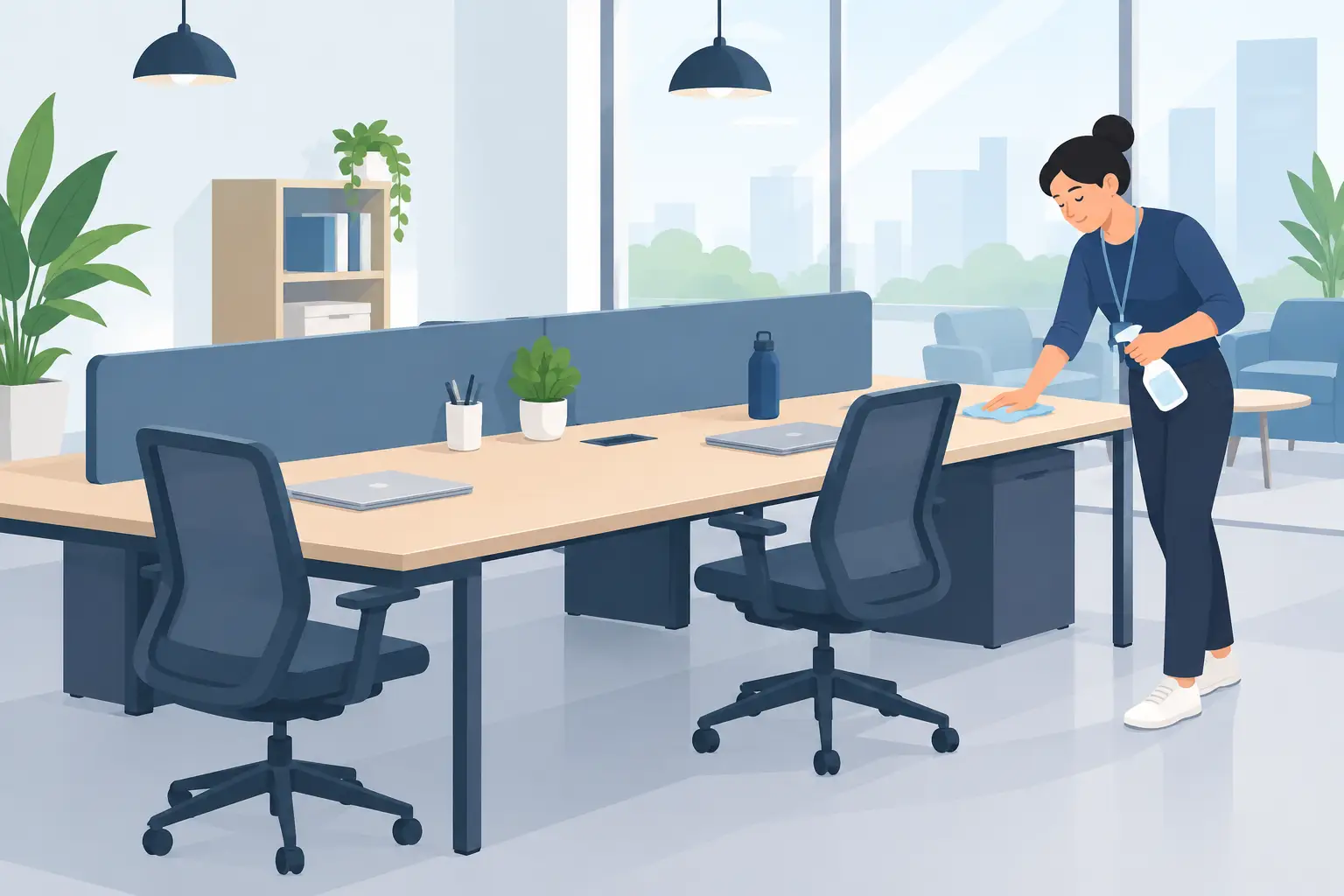
After hours, regular office cleaning can take care of the work employees should not have to manage. This typically includes wiping desk surfaces, cleaning common touchpoints, removing trash, vacuuming or mopping floors, and refreshing restrooms and break areas. When desks are shared, it is helpful to include chair arms, drawer handles, light switches, and conference room tables in the routine.
Then there is deep cleaning. This is where accumulated dust along desk bases, chair wheels, vents, corners, partitions, and less-used equipment gets attention. A quarterly deep clean may be a good fit for a low-traffic professional office. Offices with frequent guests, high employee turnover, or dense shared seating may benefit from it more often.
Keep desks clear without making the office feel sterile
A clear-desk standard does not have to mean a personality-free office. People work better when they have what they need close by. The goal is to limit items that make cleaning difficult or turn a shared surface into personal storage.
Give each employee a designated place for supplies, files, and personal items. Shared desks should have only the basics: monitor, keyboard, mouse, docking station, and perhaps a small organizer for approved communal supplies. Fewer objects on the desk means faster wiping, fewer hidden crumbs, and less confusion about what belongs to whom.
Conference rooms deserve the same attention. They are often cleaned before important meetings but overlooked afterward. Encourage the last person leaving the room to clear cups, gather markers, and return chairs to the table. A professional cleaning team can handle the detailed surface and floor care on the service schedule, but those two minutes of reset time keep the room ready in between.
Watch the areas that make desks look dirty fast
Some office surfaces show wear sooner than others. Glass desk tops reveal fingerprints immediately. White laminate can pick up pen marks and coffee stains. Dark desks make dust stand out, while light upholstery makes food spills more noticeable. Knowing the problem areas helps an office manager set realistic expectations.
Pay extra attention to shared keyboards, phones, chair arms, and communal charging stations. These are easy to overlook because they do not always look dirty. Break room tables and copier stations also deserve regular care, especially when employees use them as overflow workspaces.
If an office has a policy that allows eating at desks, plan for the trade-off. It may support a busy team, but it also increases crumbs, odors, and the need for trash removal. More frequent cleaning is usually a better answer than hoping everyone will clean perfectly after lunch.
Know when to bring in professional office cleaning
A small team may keep up with light desk maintenance on its own. Once the office is busy, client-facing, or using shared workstations daily, relying on goodwill alone often becomes inconsistent. That is when recurring professional cleaning can protect both the office’s appearance and the team’s time.
A trusted local cleaning partner can work around your schedule, clean after hours when needed, and provide the more detailed attention that shared spaces require. Ask about insurance, scope of service, communication, and how concerns are handled. Clear expectations matter more than a vague promise to “clean the office.”
For Atlanta-area businesses that want a dependable routine, Alejos Services provides recurring and project-based cleaning with the straightforward scheduling and responsive service busy office managers need.
A clean desk gives the next person a better start. Put simple reset supplies within reach, set a realistic cleaning schedule, and let professional support handle the work that keeps your office looking cared for week after week.
Leave a Reply